
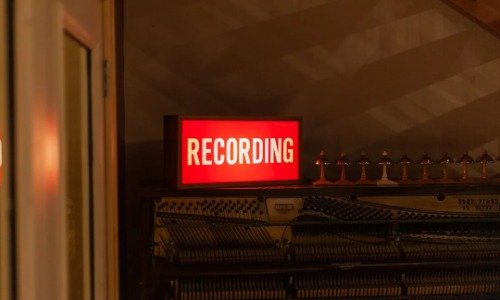
Is Your Teams Meeting Being Recorded? I’d Assume It Is
A few months ago, I wrote about people using AI Notetakers in Teams meetings. I’ve spoken several times about the privacy implications of recording Teams meetings, using Copilot, and related practices. One thing I’ve been encouraging people to understand is that, even if you host the meeting and turn off all AI, recording, and transcription features, you should still assume the meeting is being recorded.
What I was usually referring to was someone simply setting their phone down next to their PC and recording the meeting audio. There’s no way to prevent that.
Last week, I came across this article about an AI meeting assistant, and realized I was being shortsighted in my risk analysis.
Instead of relying on bots, Jamie captures the audio playing through your device, whether you’re on a MacBook, Windows PC, or iPhone. If I’m in a Zoom or Google Meet call, or even using any open-source video conferencing software, it records exactly what I hear, even when I’m using headphones, so I don’t have to adjust anything about how I join or host the meeting. For in-person conversations, I simply let my device’s microphone pick up the audio in the room as naturally as a voice memo.
Your Teams meeting might be the least of your worries. We live in a surveillance society, partially because AI has turned us all into surveillers in the search for better efficiencies.
Then again, I do enjoy a solid meeting summary that lets me focus on the conversation instead of taking notes, so who am I to complain?
 Share this post on social media.



Reposts