Worth Reading – Microsoft Teams Audio‑Only Meeting Recording: How it Works and Why it Keeps Meetings Human
I’m glad we can now record only the audio. It makes it slightly less intrusive to record a meeting that others may need to listen to later.
One of the biggest irritations for M365 users is recurring meetings set to run for years, with the organizer having left the organization. How do you get them off people’s calendars, or have them managed by another user?
The first paragraph makes it obvious that you can’t be an unnamed guest in a Zoom meeting and invite your AI to take notes. That makes sense.
The second adds a requirement: you must also attend the meeting. No more sending your AI to take notes for you while you spend your time elsewhere.
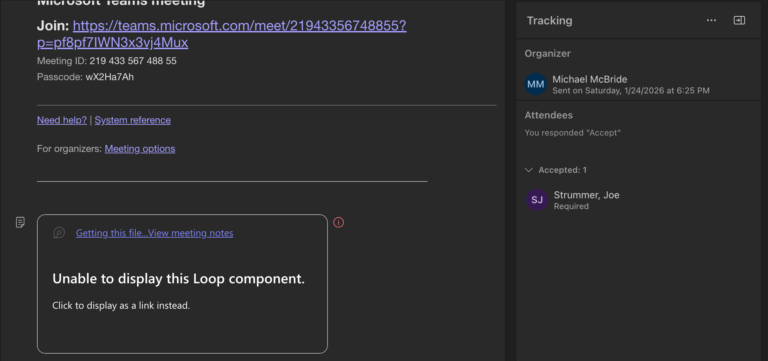
My best advice for recurring meetings is to skip creating an agenda in Loop. It simply doesn’t work unless you want a single agenda, and you never change it before the meeting.
There are some solid ideas in the article below, the first ones should be obvious: limit who can create Teams and have an approval process. Without that, you may as well start a pool to guess how many “test” Teams will be created in the first few months.
Would you be interested in getting together over a Teams channel to discuss M365, eDiscovery, and other related topics with other subscribers? Perhaps even schedule some chats on occasion? (Paid subscribers, I’ve got some ideas just for you as well.) If you are interested, sign up here. If there’s enough interest, we will definitely get this going in the next few weeks.)
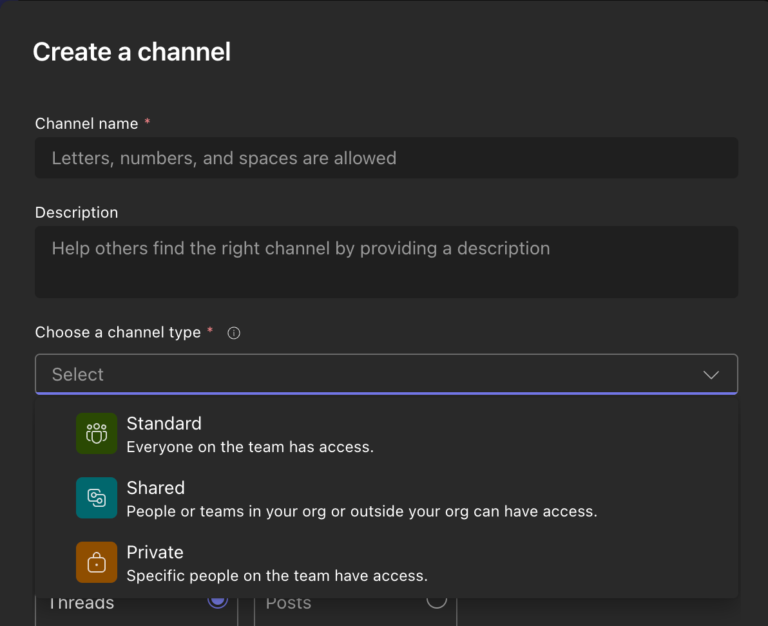
This might not seem like a big deal, but it is. I can’t tell you how many times I’ve had to create a separate Team for a small group because they want a Private Channel, but they also want to use Planner in it, or some other app that wasn’t supported in Private Channels.
A few months ago, I wrote about people using AI Notetakers in Teams meetings. I’ve spoken several times about the privacy implications of recording Teams meetings, using Copilot, and related practices. One thing I’ve been encouraging people to understand is that, even if you host the meeting and turn off all AI, recording, and transcription…
Regardless of the details of your Teams governance strategy, you want to have one. Leaving it up to users to provision and manage their own Teams is madness.
If you don’t realize that your employer’s IT folks already have a dozen different ways to tell whether you’re logged in to the office wifi or not, you’re kidding yourselves. We didn’t need Teams to start ratting out employees.