Worth Reading – Purview Retention Controls on OneDrive Auto-generated Folders
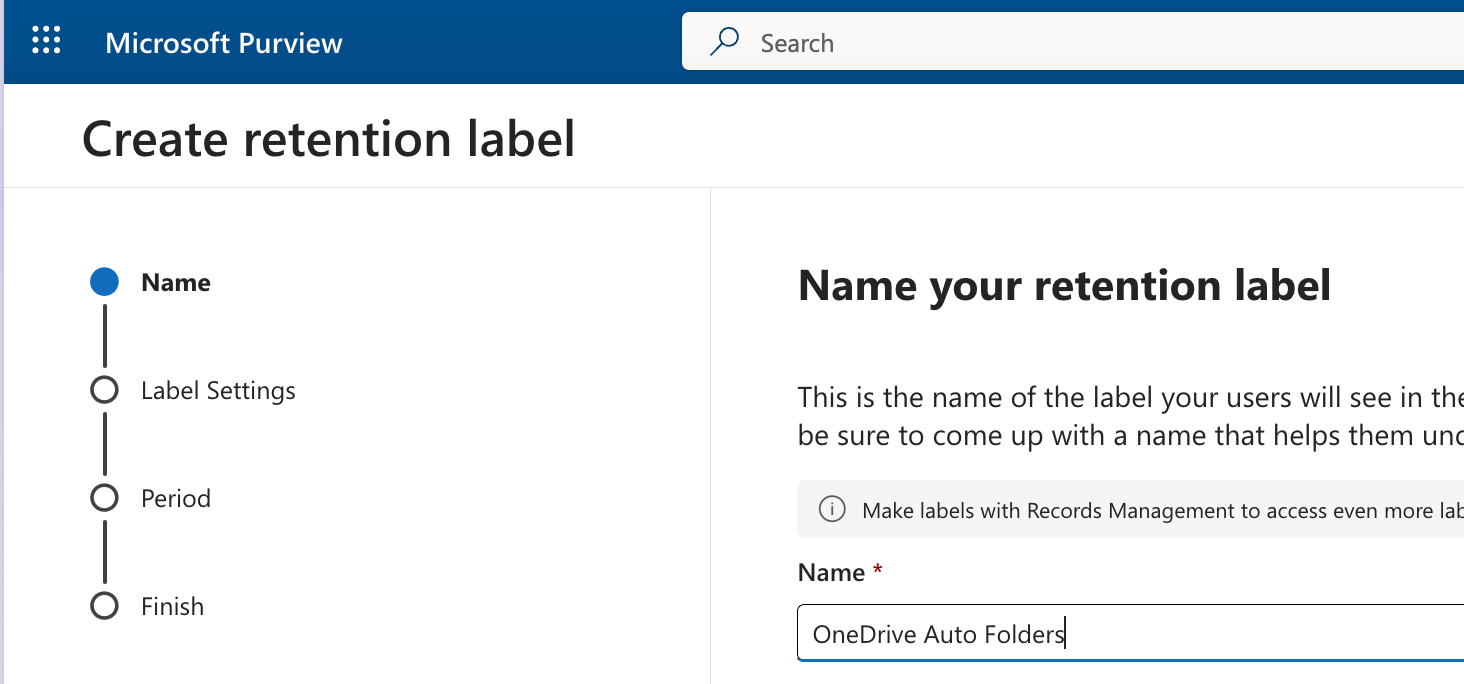
Joanne presents an interesting approach to applying retention labels to documents only in auto-generated folders. Think Attachments, Meetings, Teams Chat files, Copilot Chat Files, etc. Places where documents can pile up and create problems regarding records management, data security, and storage space.
https://joannecklein.com/2025/10/01/purview-retention-controls-on-onedrive-auto-generated-folders/
OneDrive retention presents several challenges due to the variety of items that reside there by default. Share a file in a Teams chat and collaborate on it? It’s in OneDrive. Upload a file for Copilot to summarize, which will be copied to OneDrive. Meeting recordings and notes? OneDrive. Items from your local desktop and documents folders? Likely synced to OneDrive.
Use OneNote to store notes that you want to keep as a historical record? Yeah, OneDrive.
How do you establish a single policy to cover the retention of all these different scenarios? Personally, I have found it very difficult to do. I don’t want data to be forgotten and sit there forever, but I want people to be able to access OneNote notebooks that contain historical information. I want people to be able to collaborate in Teams by sharing documents. Still, I also wish to find a permanent home for those documents as records when that collaboration is complete, but deleting them is not the solution.
It isn’t very easy, but reading through Joanne’s solution of applying a retention label to items in the folders that we know have the same name for every user makes me think that it could help.
Of course, as she points out, if Microsoft changes the names of these folders, we’d have to update our policies, and I feel confident that this will happen.
What’s your retention plan for OneDrive?
 Share this post on social media.