
M365 News for February 2026
This post will be updated throughout the month as new items are added to the tag.
Be sure to subscribe to my M365 Newsletter for more M365 expertise and news.
 Share this post on social media.
This post will be updated throughout the month as new items are added to the tag.
Be sure to subscribe to my M365 Newsletter for more M365 expertise and news.

If we can’t trust Microsoft’s own tools to work, people will look for other tools. The advantage of being the built-in tool disappears when we can’t trust it.

There is more detail in the announcement above, but the bottom line is this. You can get Defender and a range of e5 Purview tools for an additional $15 USD per month per user. With Business Premium costing $22 per month per user when paid annually, that’s a significant savings over a full E5 license if you have fewer than 300 users.

Ewelina gives you the full background on what they are putting out for the rest of us trying to keep our M365 environments secure while users start running around with their agents: https://www.linkedin.com/feed/update/urn:li:activity:7507706670333009920/ As organisations accelerate agentic AI adoption, unmanaged agents can retrieve sensitive data, invoke tools, and take action across systems, often without sufficient…
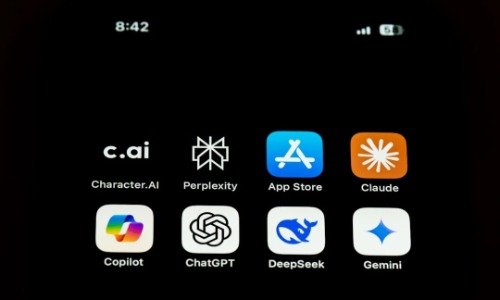
It’s a real issue, and Copilot is great for living inside the tenant, being the safer option, and giving you some control, but most of that benefit goes away if there is SharePoint sprawl, oversharing, a lack of proper governance and retention policies, or plain neglect.
In fact, Copilot will shine a light on that before you can even get approval for your first label to be published.
You might not be ready for Copilot, or any enterprise AI tool, if your environment lacks proper governance. Sorry.
I think there are some opportunities in AI for completing tasks, but I also think there is a serious risk in taking action without proper oversight. I’ll be very interested in seeing how Microsoft gets this out to business customers.

A few months ago, I wrote about people using AI Notetakers in Teams meetings. I’ve spoken several times about the privacy implications of recording Teams meetings, using Copilot, and related practices. One thing I’ve been encouraging people to understand is that, even if you host the meeting and turn off all AI, recording, and transcription…