
M365 News for February 2026
This post will be updated throughout the month as new items are added to the tag.
Be sure to subscribe to my M365 Newsletter for more M365 expertise and news.

This post will be updated throughout the month as new items are added to the tag.
Be sure to subscribe to my M365 Newsletter for more M365 expertise and news.
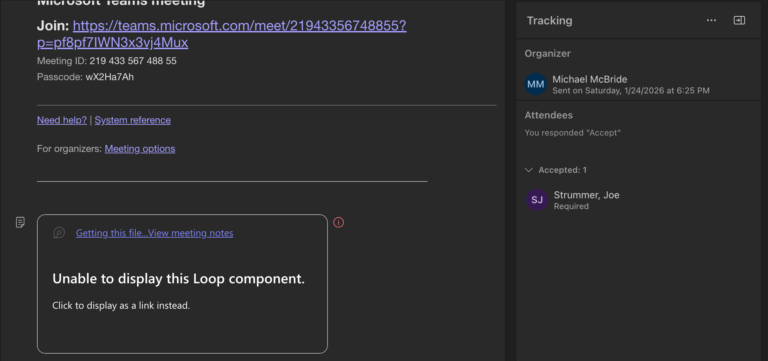
My best advice for recurring meetings is to skip creating an agenda in Loop. It simply doesn’t work unless you want a single agenda, and you never change it before the meeting.
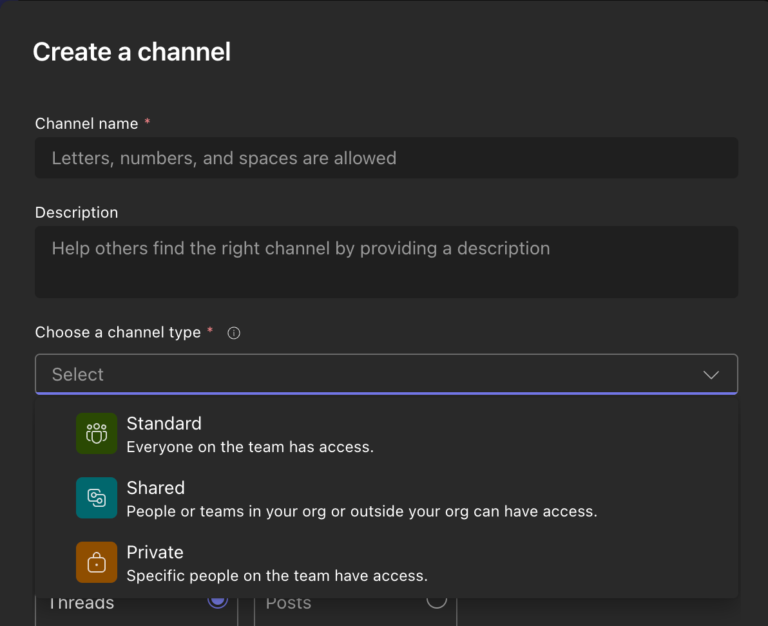
This might not seem like a big deal, but it is. I can’t tell you how many times I’ve had to create a separate Team for a small group because they want a Private Channel, but they also want to use Planner in it, or some other app that wasn’t supported in Private Channels.

This post will be updated throughout the month as new items are added to the tag.
Be sure to subscribe to my M365 Newsletter for more M365 expertise and news.

This post will be updated throughout the month as new items are added to the tag.
Be sure to subscribe to my M365 Newsletter for more M365 expertise and news.

OneDrive retention presents several challenges due to the variety of items that reside there by default. Share a file in a Teams chat and collaborate on it? It’s in OneDrive. Upload a file for Copilot to summarize, which will be copied to OneDrive. Meeting recordings and notes? OneDrive. Items from your local desktop and documents folders? Likely synced to OneDrive.
Use OneNote to store notes that you want to keep as a historical record? Yeah, OneDrive.
How do you establish a single policy to cover the retention of all these different scenarios?

Apparently, instead of purchasing M365 licenses and then additional Teams licenses, your M365 licenses will come in with or without Teams flavors.
Forgive me for picturing your MS partner with a headset asking, “Do you want Teams with that?”
That seems to be how we’ll be ordering our licensing in the future, though.